



Duex Float 2 Pro
私たちが選んだ理由
- Storming Gravity Team
Showcase your product benefit by using before/after image comparison.
使用前
使用後
Unlock instant multitasking – at home, in the café, or on the go.
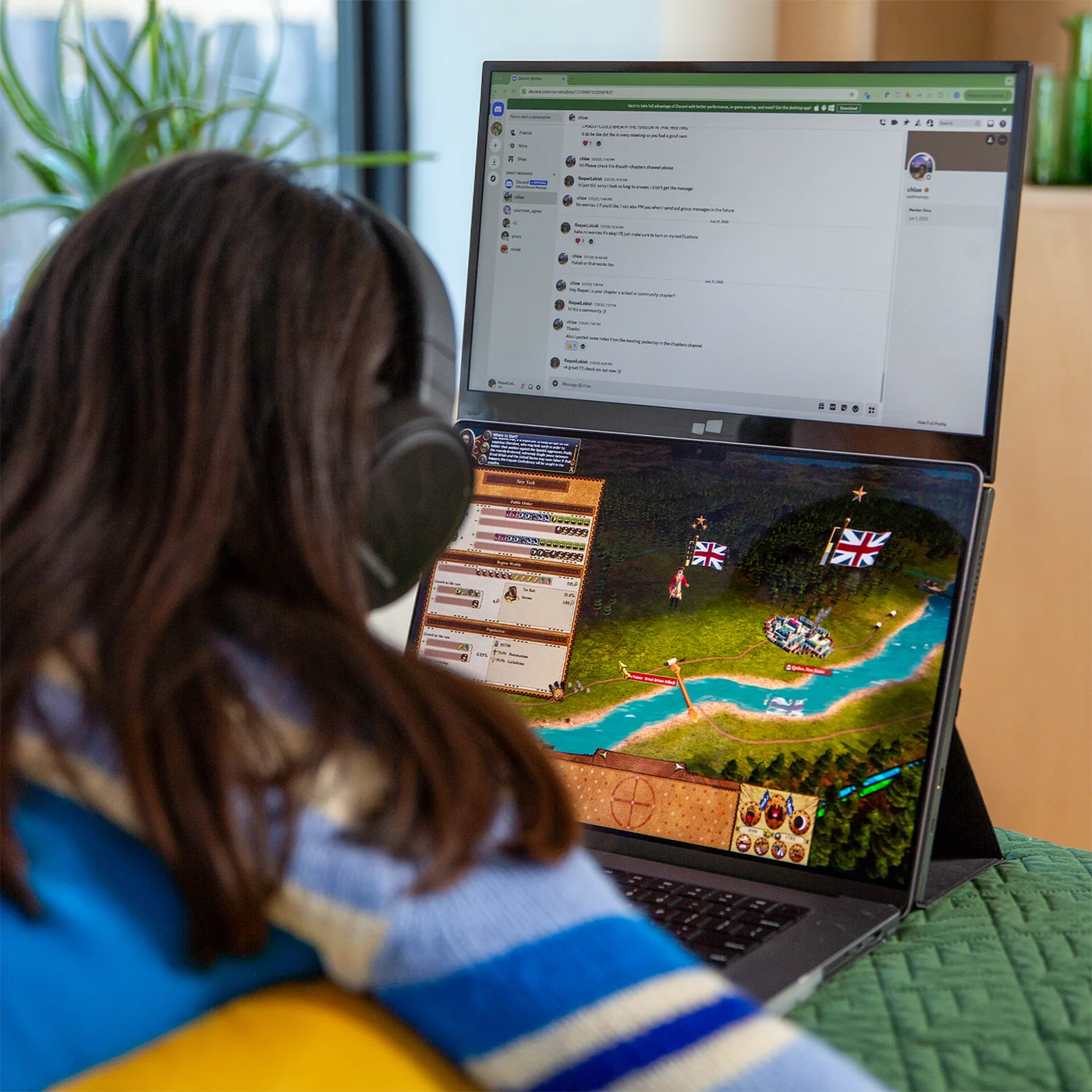
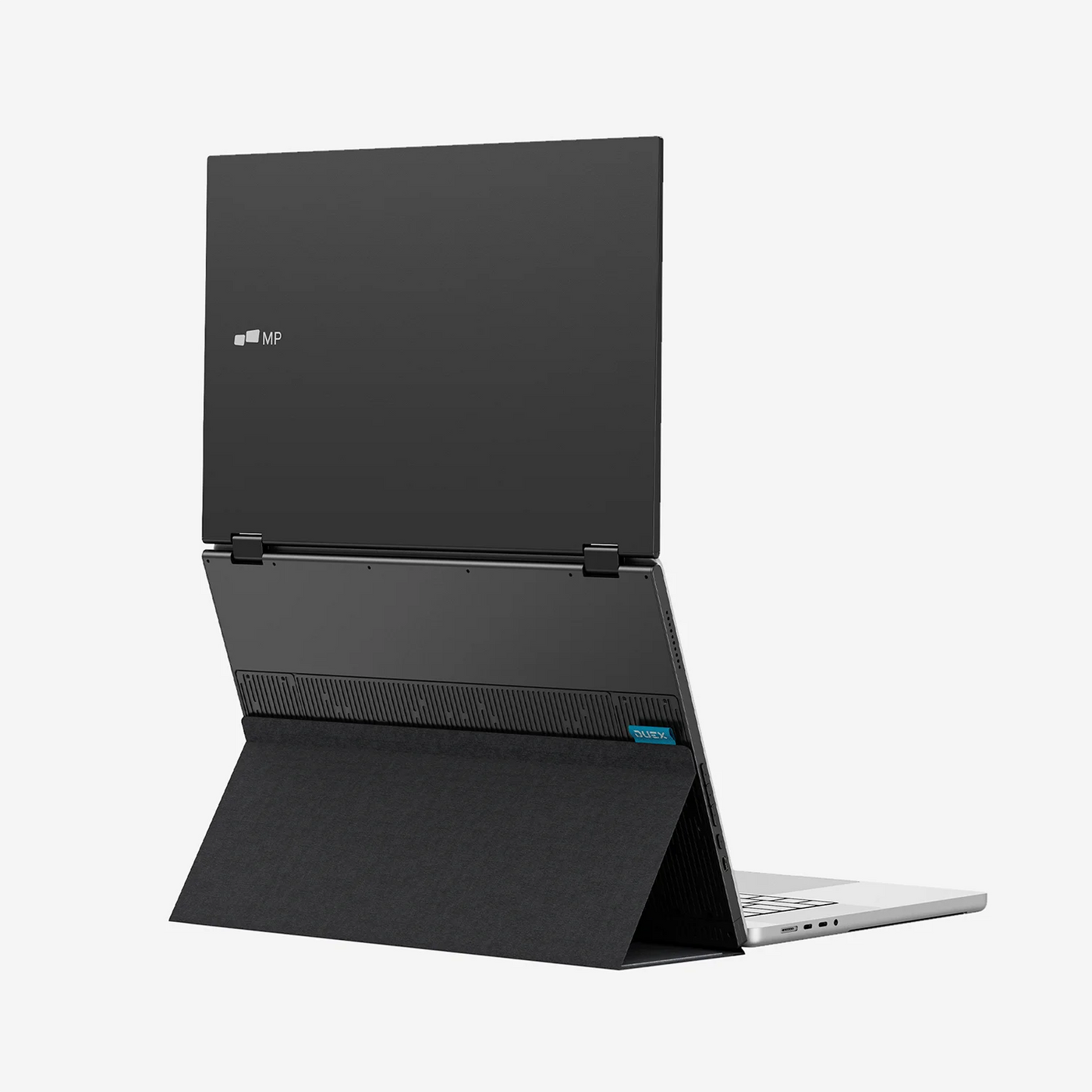
The DUEX Float 2 Pro by Mobile Pixels redefine productivity with a sleek, lightweight dual-screen setup that attaches effortlessly to any laptop—no bulky gear required. By offering high-resolution displays with built‑in audio and flexible mounting, DUEX Float 2 Pro eliminate the hassle of external monitor setups. Whether you're coding, streaming, designing, or gaming, these dual-screen companions boost efficiency and comfort—without weighing you down.
- 16-inch 2.5K Duex Float 2 Pro
- Perfect for 15-inch to 16-inch laptops
- 33% lighter and 20% thinner than previous model
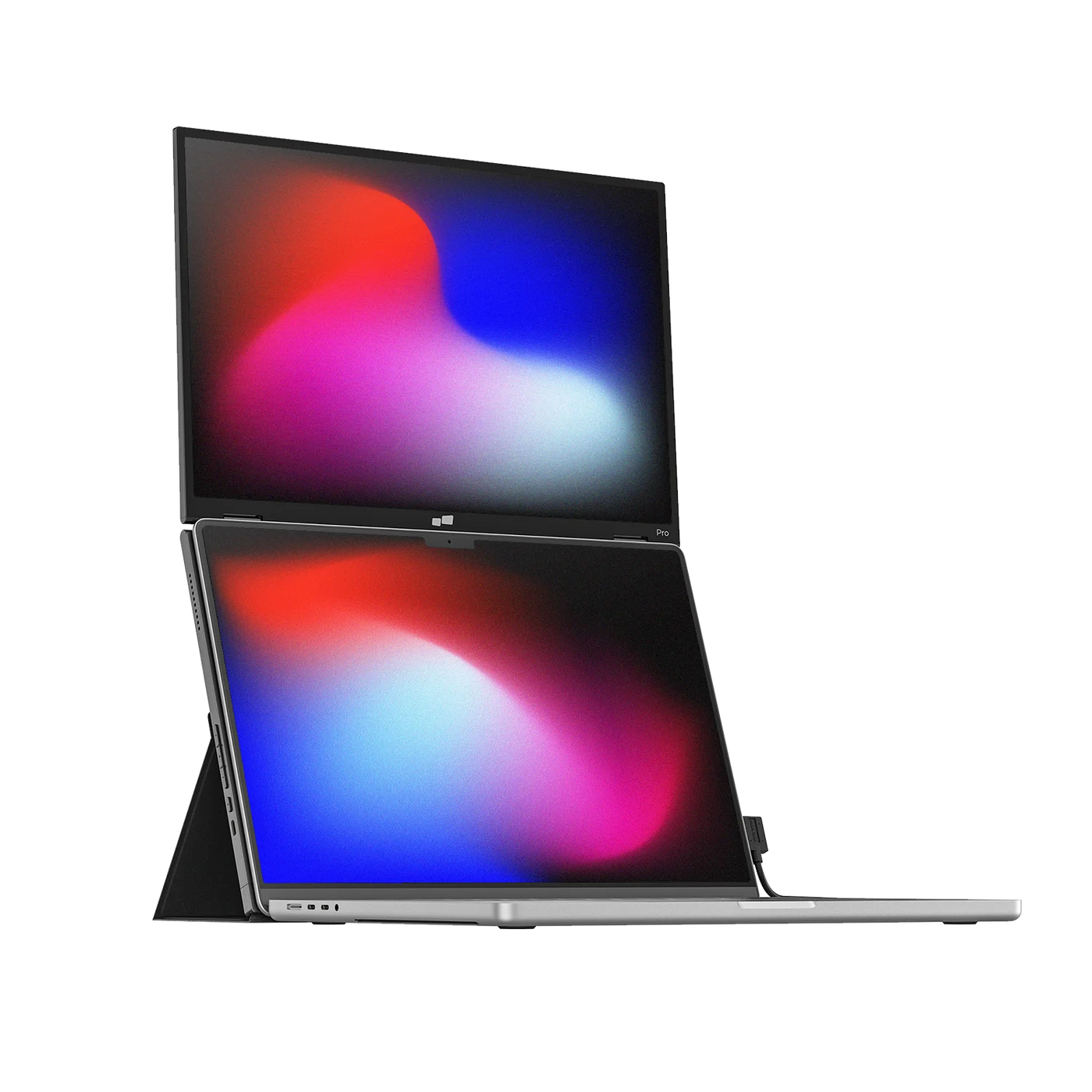
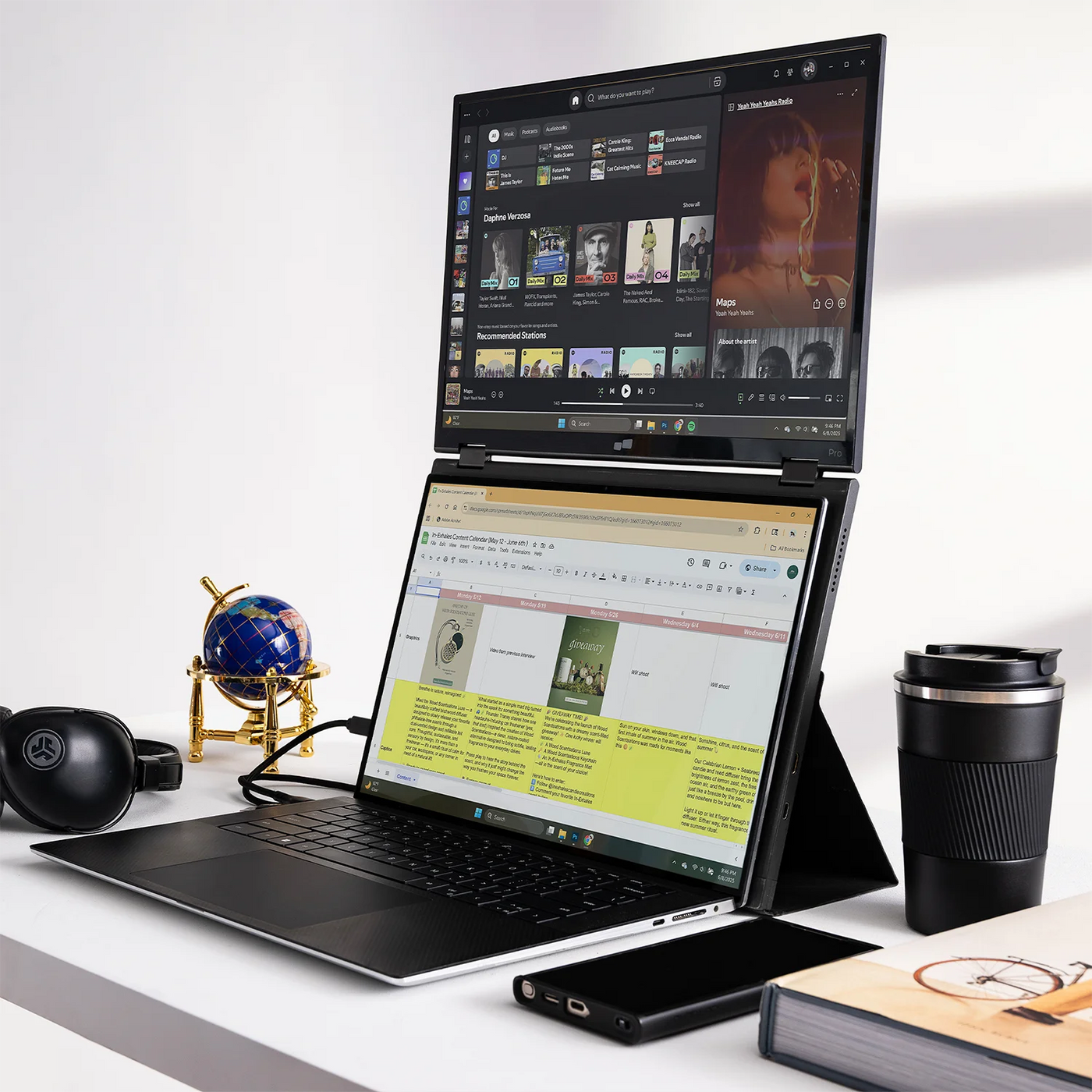
- Stacked design
- Built-in dual speakers
- Two USB-C ports with 65W pass-through charging
- One mini HDMI port connectivity
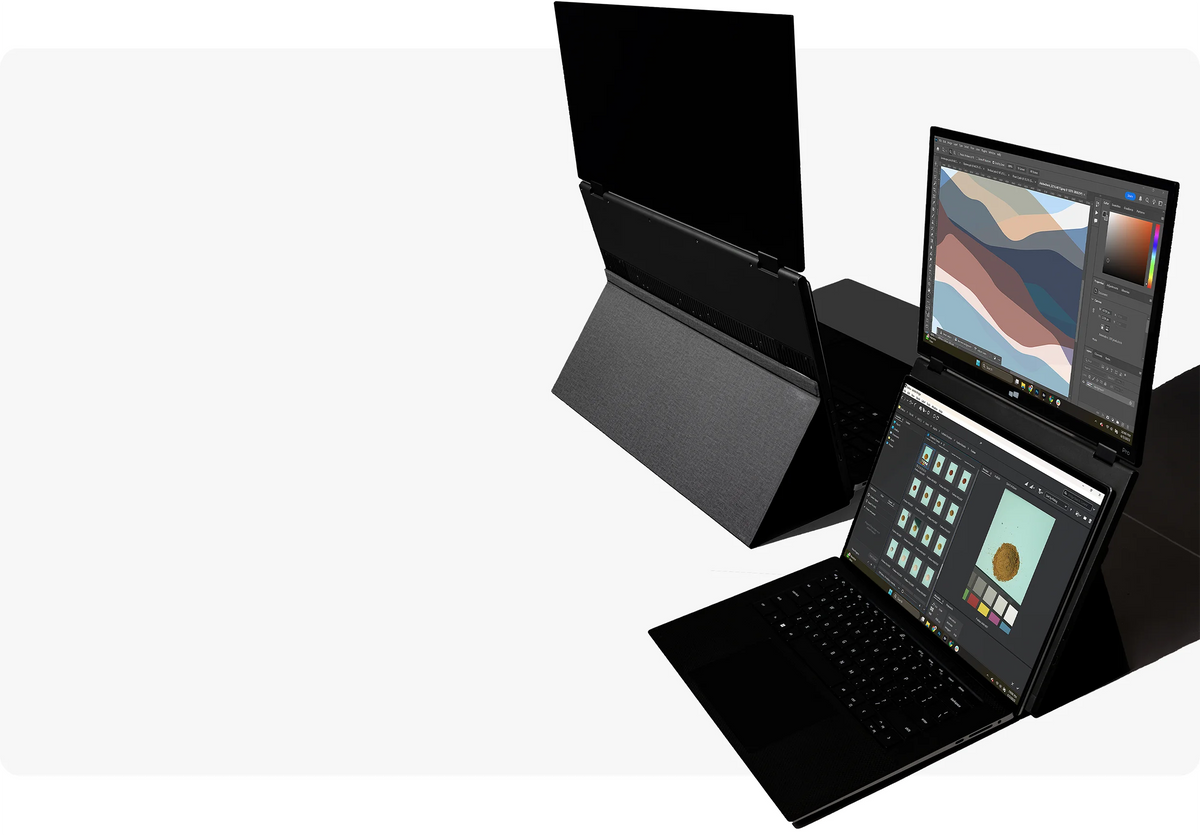
- Newly designed built-in kickstand
- Three different viewing modes
| Specification | DUEX Float Pro |
|---|---|
| Display Size | 16″ |
| Resolution | 2560×1600 (2.5k QHD) |
| Aspect Ratio | 16:10 |
| Panel Type | LCD IPS with 1200:1 Contrast Ratio |
| Refresh Rate | 120 Hz with 8ms response time |
| Color Gamut | 72% NTSC | 100% sRGB |
| Brightness | 350 nits |
| Anti-Glare | Yes |
| Built-in Speakers | Yes (enhanced stereo) |
| Connection | Single USB-C (video + power + charging) |
| Compatibility | macOS, Windows, ChromeOS, Android (DeX), iOS (iPhone 15+) |
| Viewing Modes | Side-mounted, Presentation (180°), Stacked (vertical), Freestanding |
| Weight | ~2.9 lbs (1.32kg) |
| Materials | Premium aluminum |
| Pass-through Charging | Yes (up to 65W USB-C PD) |
| Software Needed | None (plug-and-play) |

Dual Screens, Perfected.


More ways to work, anywhere.
Watch video
Overview
Sleek portability meets premium.
We’ve taken everything you loved about Duex Float and made it even better. Duex Float 2 Pro isn’t just a second screen, it’s a productivity powerhouse that fits into your workflow. Ultra-sleek at 0.7 inches thin, lightweight at 2.9 lbs, which is 20% thinner and 33% lighter than the Duex Float, it can be easily packed and transported wherever you go. Set up quickly and easily with a single USB-C cable for both video and power.


Three Viewing Modes
A portable display for how you work.

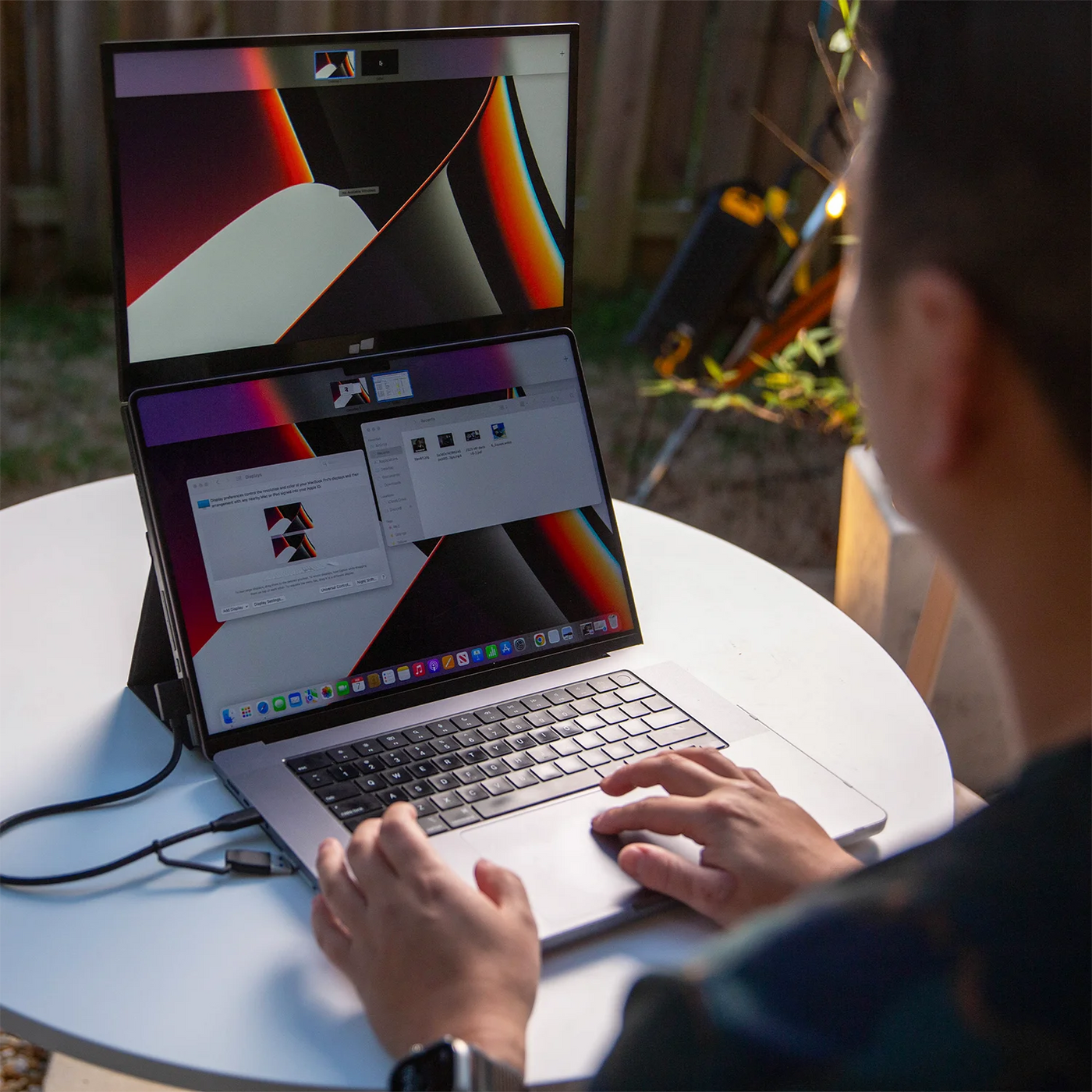
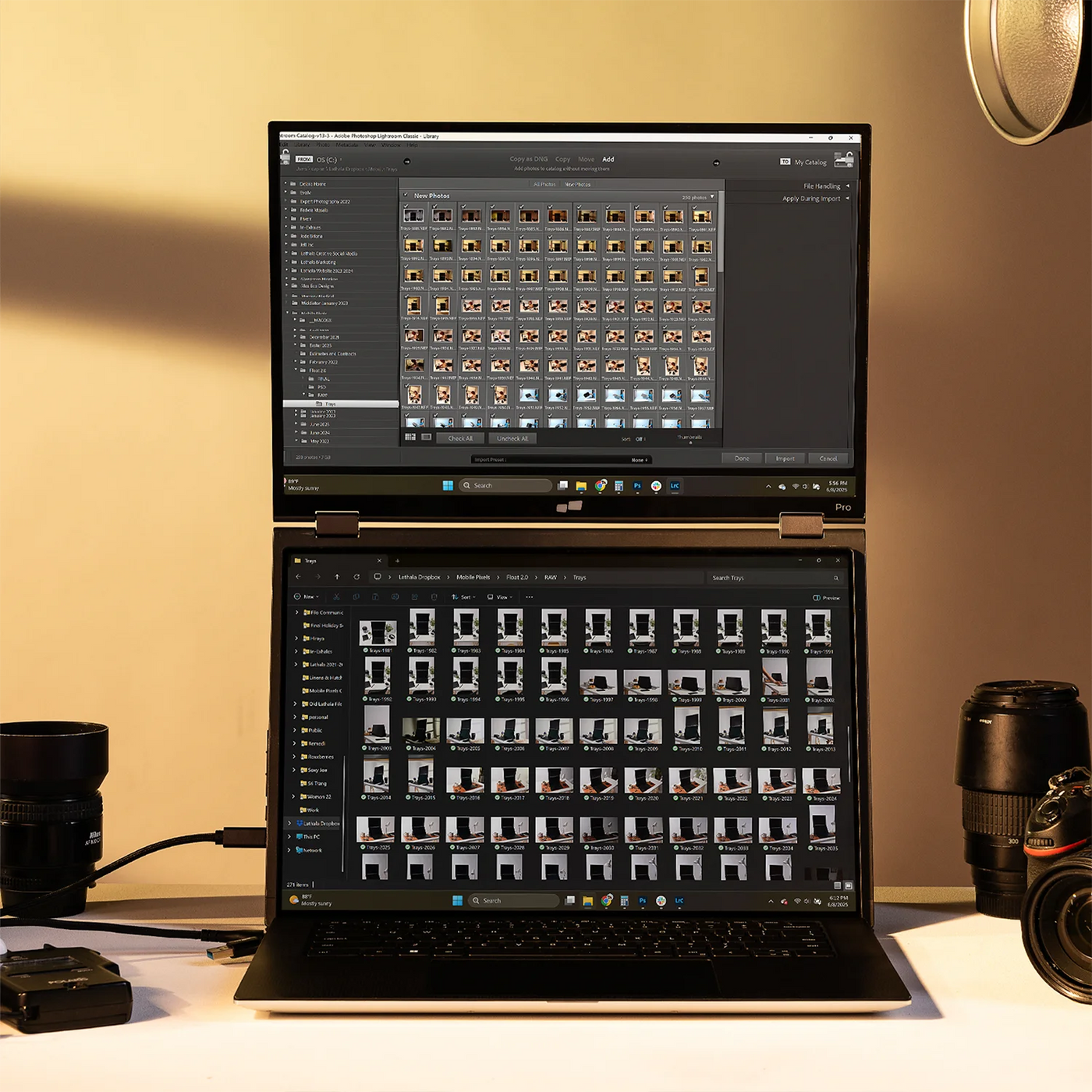
Stacked mode
Use it as your secondary monitor as a extended display or mirrored display. Achieve a healthy ergonomic alignment while working on the go.

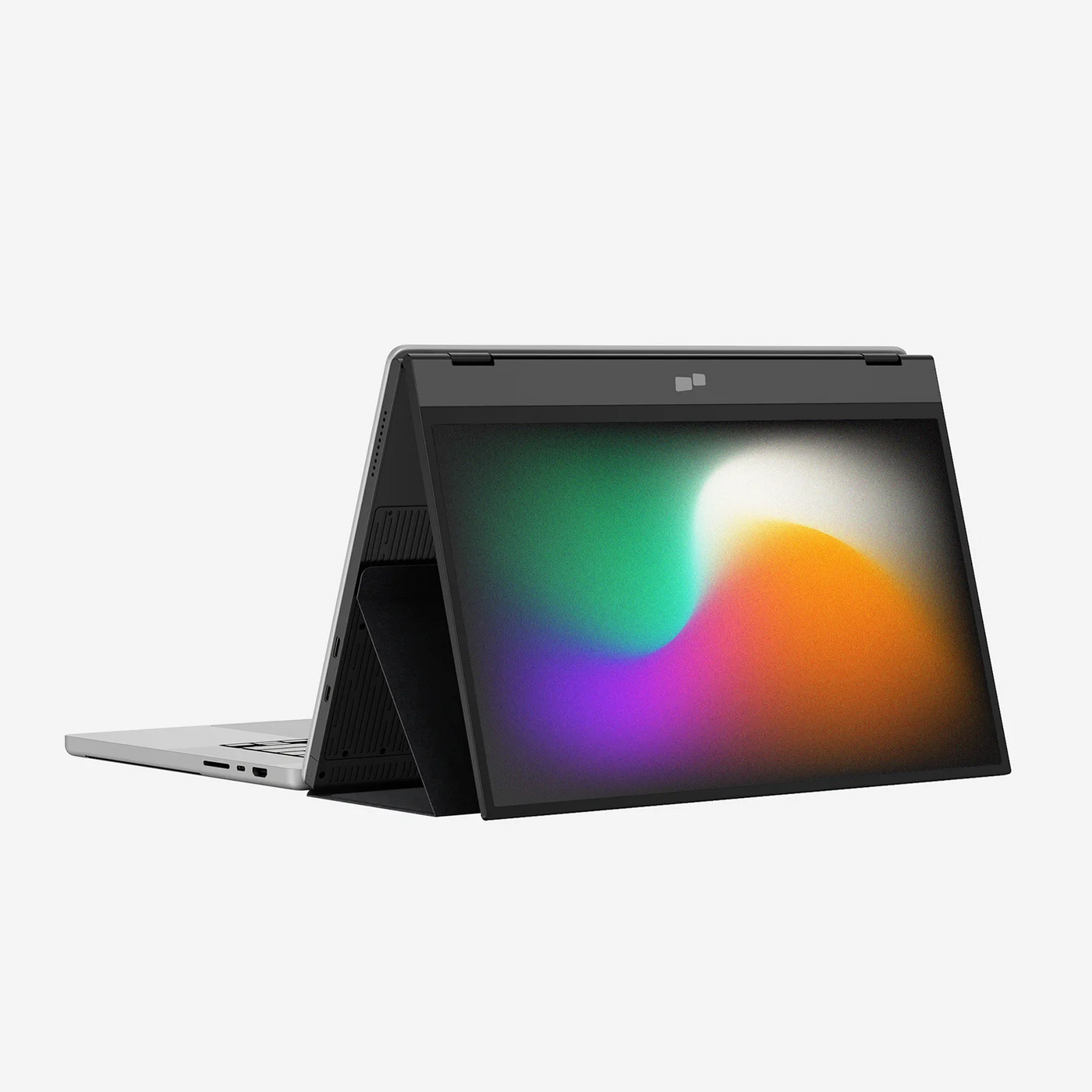
Presentation mode
You can also flip the screen and easily share content with someone in front of you, whether it’s a presentation to your team at work.

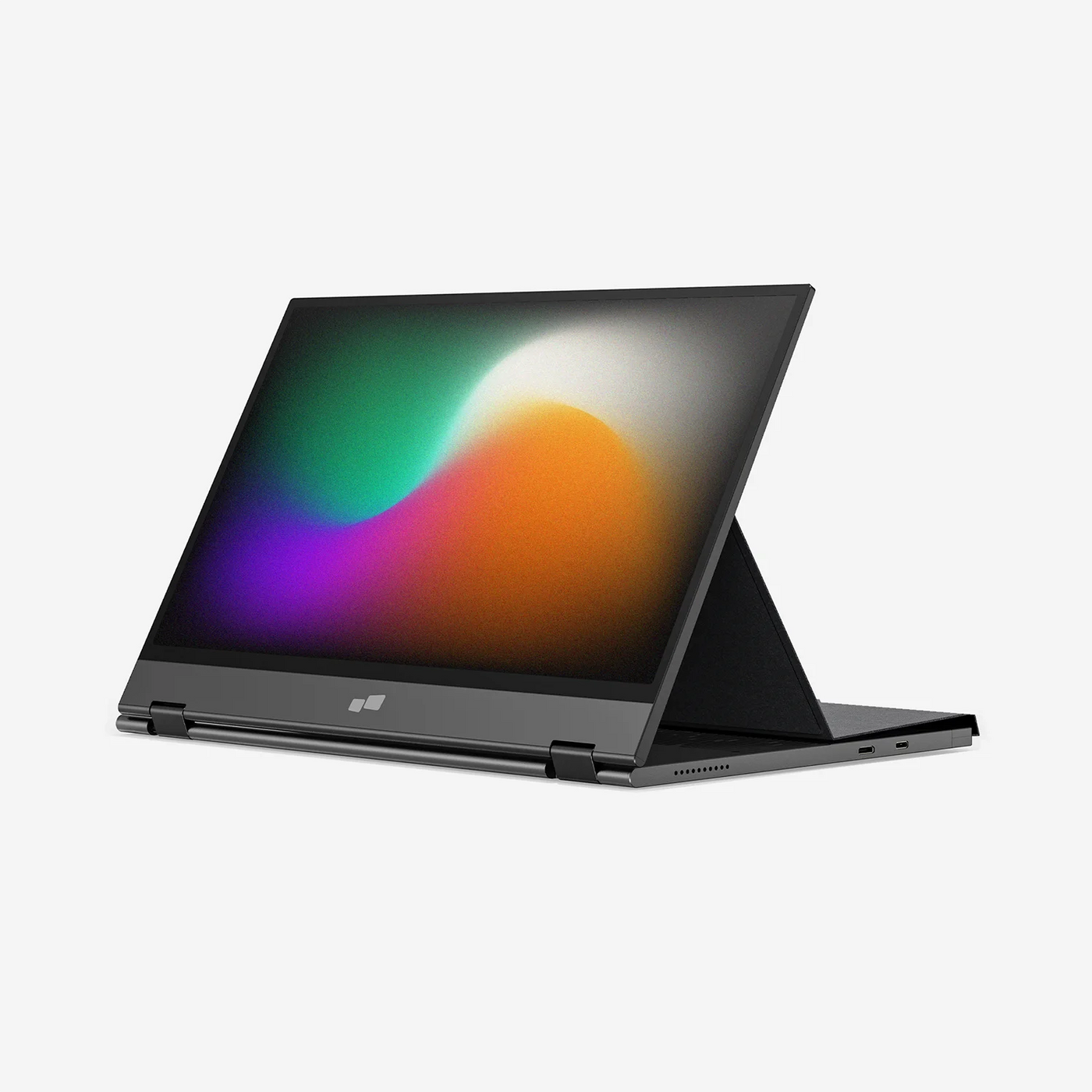
Free-standing mode
Use the built-in kickstand and turn Duex Float 2 Pro into a independent display. Perfect for gaming or viewing documents.

Maximizes your workspace.
Integrated Kickstand
Newly designed integrated kickstand.
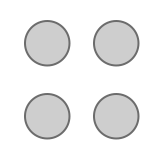
We redesigned the integrated kickstand of the Duex Float 2 Pro, which can stability support your monitor while protecting your screen as a cover when putting into your backpack on the go. It allows you to utilize it independently without magnetically attaching it to your laptop. Comes with 4 optional magnets if you prefer to magnetically attach Duex Float 2 Pro to your laptop.
Convenient Display
Set up in seconds.
- Open the cover and rotate the screen out.
- Fold the cover back, stick it to the base part of the monitor.
- Attach the monitor to your laptop via optional magnets.
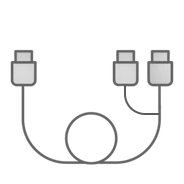
- Connect the cable to your laptop.
Wide Compatibility
Pairs perfectly with your devices.

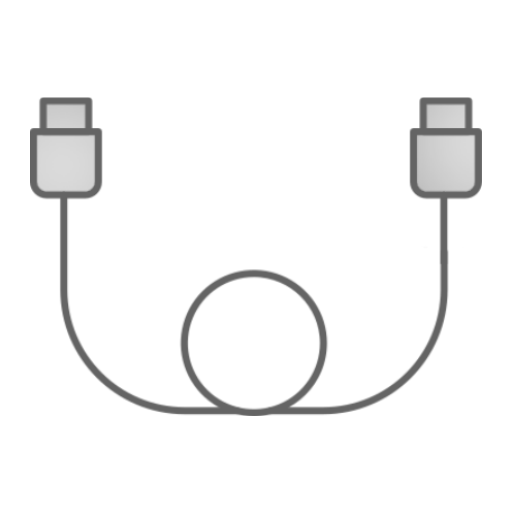
Set up Duex Float 2 Pro monitor with your laptops (macOS/ Windows) via a single USB-C cable transmitting both video and power for efficient plug and play and quick transitions. For laptop has USB-C port without DP ALT mode, you can also use the HDMI cable to connect with it. Plug and play, no complicated software required.

Extended screen for your phones. With USB-C connectivity, Duex Float 2 Pro delivers additional screen space for your iPhones and Android* smartphones.
*For iPhone 15 and newer models, Samsung DeX supported devices

Built-in Dual Speakers
Crisp and immersive sound.
Engineered with dual integrated speakers, Duex Float 2 Pro blends outstanding screen performance with stereo sound for an immersive multimedia experience.

Anti-glare Screen
Easy on the eyes.
Anti-glare screens minimizes reflections, which can cause eye strain and fatigue when viewing screens for long periods. Also, the reduced glare and improved visibility contribute to a more comfortable and enjoyable viewing experience, whether you're watching movies, playing games, or working on tasks.
Included in the box